Connect the grown-ups.
Welcome parents and caregivers around a bus stop, class, or school neighborhood.

For school families
Give parents and caregivers a shared place to get to know each other, pass along useful links, swap outgrown gear, and make plans outside the school day.
Free for neighbors. Free to start with a public introduction. Fully private group plans.
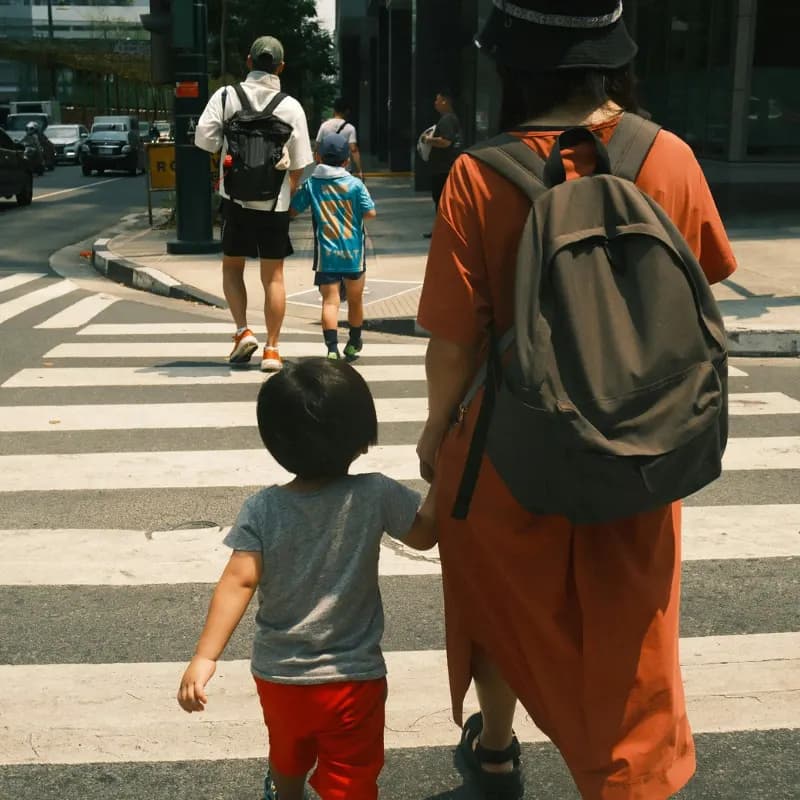
Make more of the place you share.
Welcome parents and caregivers around a bus stop, class, or school neighborhood.
Offer outgrown coats, share an official school link, or ask an everyday question.
A parent coffee or weekend walk can turn familiar faces into people you know.
Everyday invitations
Ideas to adapt for your own group.
Something to pass along
“Outgrown winter coats available. Anyone interested?”
A little company
“Parent coffee after drop-off this week?”
A useful source
“Here’s the school’s official calendar link.”
From a hello to a first plan
Find an existing group first. If there isn’t one for your place, give your people a clear reason to join.
Look for your community →Choose a name, broad location, and who belongs. Decide whether to have a public introduction or a fully private group.
Nayborlee reviews new groups before they open. After approval, follow your account’s setup steps, including Organizer coverage if your group is fully private.
Use the joining option your group has chosen. Post a welcome and one easy plan, then invite others to help shape what comes next.
Make it local
Explain which parents and caregivers the group serves. Use a broad area and official links; keep children’s identifying information out of public materials.
A little help getting started
A parent-led group starter kit with welcoming copy, a first-month plan, and a worksheet for official school and local links.
3 printable pages. No sign-in needed. Replace the bracketed prompts with your own details.
Inside your toolkit
Before the first hello
Practical answers for the people who live here and the people helping them connect.
See current pricing →A parent-led group is independent unless the school has explicitly authorized otherwise. It does not replace official school communication. Be clear about that in the introduction.
Describe who your group welcomes, such as guardians and other authorized caregivers. Each group sets its joining rules; make those expectations clear.
Keep children’s full names, photos, routines, and detailed schedules out of public materials. Be careful even within the member group and get appropriate permission before sharing someone else’s information.
No. Handle pickup permission, transport changes, and school arrangements through the school’s official process and directly with the responsible adults. A group post is not authorization.
A free group has a public introduction with its name, purpose, and broad location. Member conversations and member lists stay inside the group. A fully private group has no public introduction or search listing and uses the Organizer plan. Keep private addresses and access details out of the public introduction.
Neighbors participate free. Starting a group with a public introduction is free. Fully private groups use one Organizer plan per community; see Pricing for current rates, trial eligibility, and renewal terms. View pricing and trial terms.
Yes. A group with a public introduction can use invitations, reviewed requests, or direct joining. Fully private groups are invitation-only. Explain who the group is for in its introduction so people can choose the right place.
Nayborlee reviews new groups before they open. After approval, complete the setup shown in your account, choose any required Organizer coverage for a fully private group, and then welcome your first members.
Yes. More than one person can help organize a community. Start with a small team and agree who welcomes people, helps with joining requests, and keeps the first few plans moving.
Browse Happenings for county activities and area guides, then share a relevant link with your group. Check the original organizer’s listing for the latest time, location, cost, and accessibility details before making a plan. Private group plans stay separate from public activity listings. Explore Happenings.
Offer small, optional ways to participate and vary gathering times. Do not assume everyone can attend during the school day or bring supplies.
Link to the school, district, or transport provider’s original notice and check it before sharing. Use the official channel for current instructions and urgent changes.
It starts with your people